Microsoft Office 2021 LTSC Professional Plus
Advanced enterprise release
Windows 11; Windows 10 LTSC 2019/2021

Not specified
OrganizationsExpanded set of Windows apps
ENDS
Features and compatibility; no direct installer available

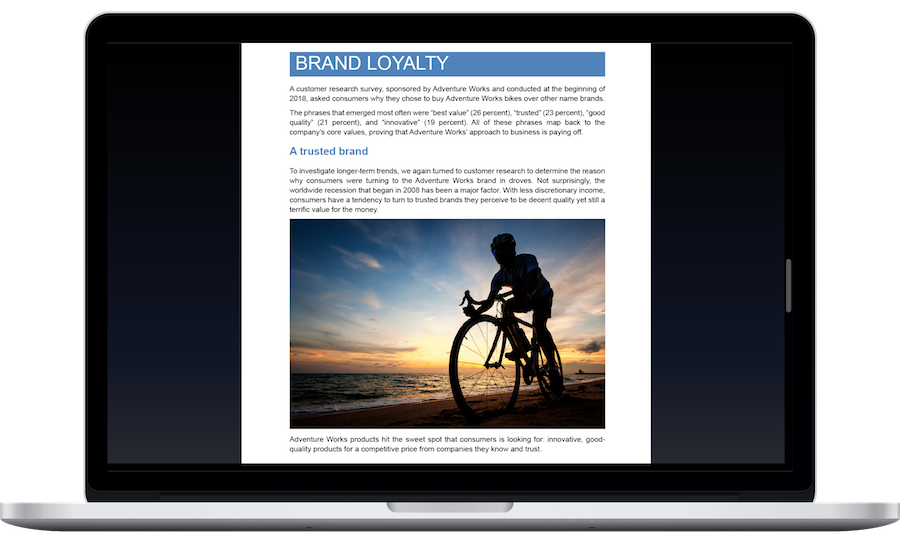
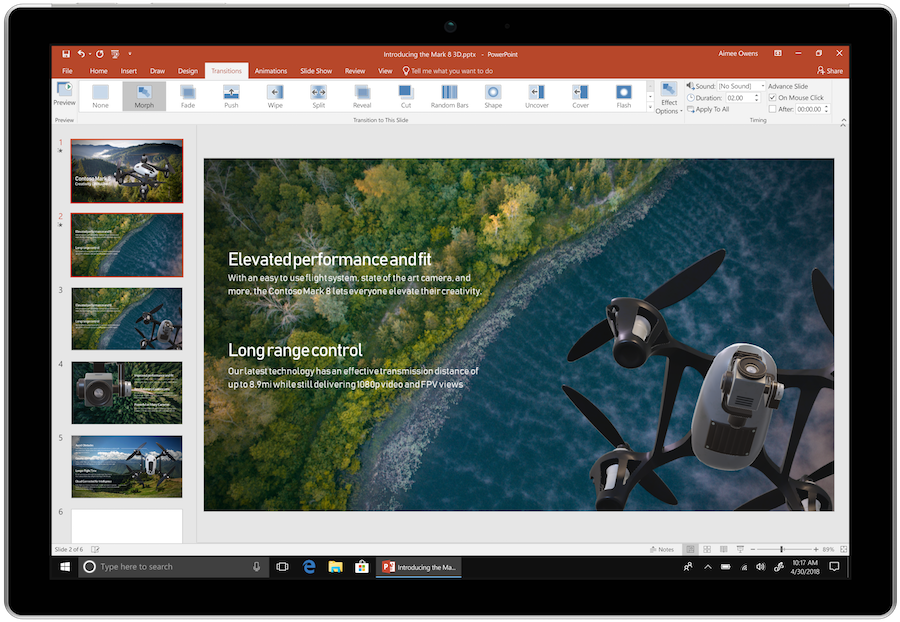
Apps included in the enterprise edition of Office LTSC 2021 Professional Plus.
Check file availabilityVERSIONS AND ACCESS
Advanced enterprise release
COMPATIBILITY
Exact requirements depend on the Office 2021 edition, architecture and licensing channel.
FEATURES
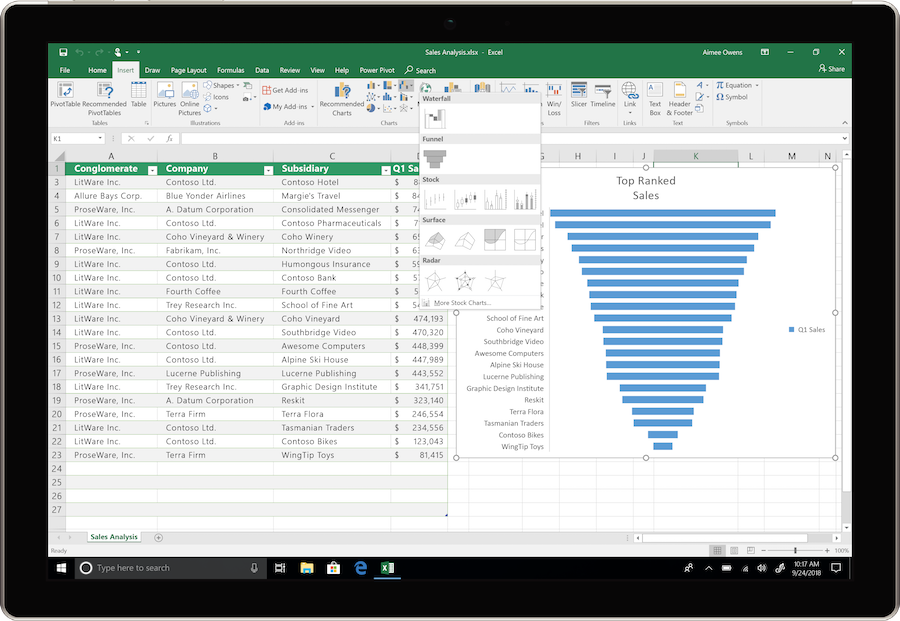
Use the lookup function in Excel LTSC 2021. Find a record by code or name and return a related value from another range, such as a price or product category.
Work with a dark document canvas. Adjust the working page's appearance for comfortable reading and editing without changing the document's color scheme.
Open and save files using the updated OpenDocument standard. This helps exchange files with applications that support OpenDocument. Check complex formatting separately after conversion.
Deploy a release without new app features being added later. A predictable toolset suits workplaces that need to maintain a consistent environment and previously tested workflows.
Get a set of results from one formula: filter rows with FILTER, sort with SORT and return unique values with UNIQUE. The result size changes with the data.
Assign names to intermediate results within an Excel formula. This makes complex calculations easier to read and lets you reuse parts without duplicating expressions.
Find an item's position in an Excel range with an exact or approximate match. Use the result in more complex data lookup and matching formulas.
Check that your document, Excel workbook, or presentation is accessible to users of assistive technologies. Fix any issues found before sharing the materials.
Professional Plus for Windows includes Access for working with databases. Create tables, forms, queries, and reports to manage data. This is a separate application in the suite, not an extension of Word or Excel.
HELP CENTER
No direct installer is currently available. — No verified direct English installer is currently listed for this option. Download is disabled; an account, store or installation-guide page is not used as a replacement file. Existing licenses and activation arrangements remain separate.
There is no separate 32-bit image on the page. — Do not substitute Standard x86: Standard is a different edition with a different license.
Regular and LTSC releases use different channels. — Check for an explicit LTSC label in the image name and make sure it matches your volume license.
Use the installation path for your actual device and license. — Check the official system requirements, platform, edition and architecture before installation. On Windows, confirm compatibility with existing Office apps and add-ins. Windows installation media cannot be installed on macOS or mobile devices.
Back up your documents and confirm the release’s requirements and support status. — This release is no longer supported. Use it only where a licensed legacy workflow requires it, keep backups and plan a move to supported software.