Microsoft Office 2013
An outdated Office generation
Windows 7, 8.1, 10

English
Perpetual licenseSupport ended in 11.04.2023
ARCHIVEDownload
Direct English installers where available
Editions, compatibility and lifecycle of the classic Office 2013 release.
Choose a fileVERSIONS AND ACCESS
An outdated Office generation
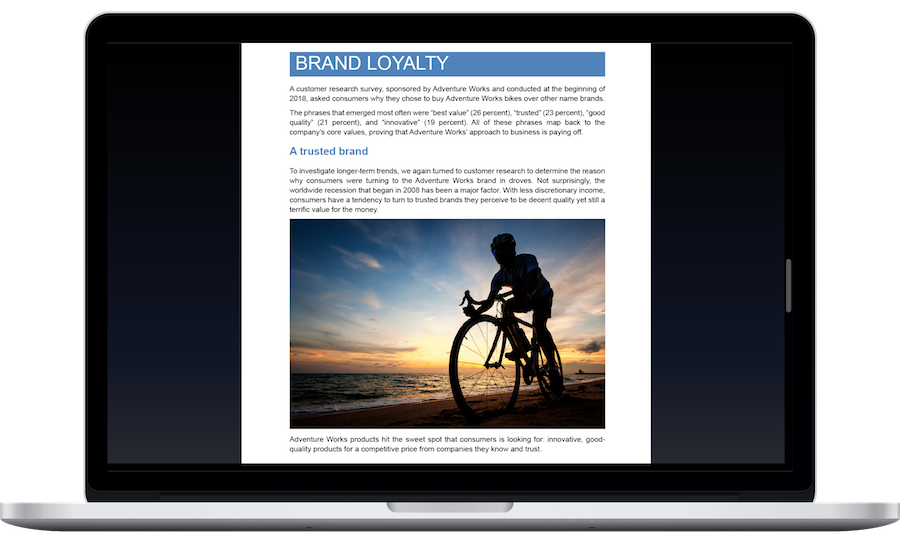
Word, Excel, PowerPoint, and OneNote
Home and commercial use
Basic enterprise release
Expanded retail release
Advanced enterprise release
COMPATIBILITY
Support for Office 2013 has ended. The stated requirements relate to the release period and do not mean that connecting an outdated system to the internet is safe.
FEATURES
Convert PDF content into a Word 2013 document for further editing. This is convenient for correcting text when the source file is unavailable; complex layouts may change during conversion.
Open, edit, and save OpenDocument version 1.2 files. The format allows exchanging materials with editors that use OpenDocument. Check that formatting is preserved when sharing complex documents.
Save files in the Strict version of the Open XML standard as well as the Transitional version.
Provide an example of splitting a name or combining text columns. Flash Fill recognizes the pattern and fills in the remaining rows without a separate formula.
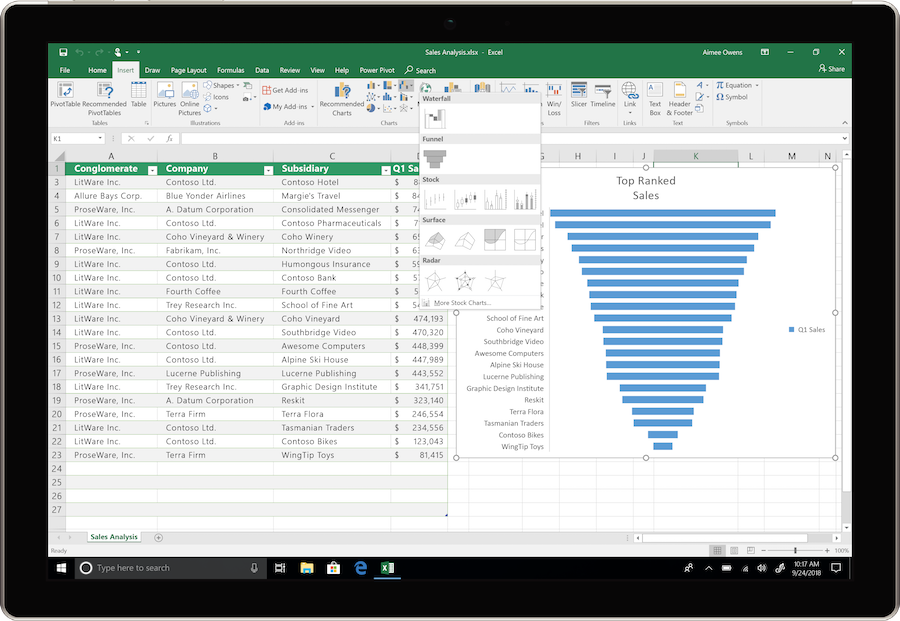
Select an Excel range to see options for totals, charts, and conditional formatting. The preview helps you choose the right way to present the numbers.
Excel suggests chart types for the selected data. Review the options and choose the one that best shows comparisons, proportions, or changes in a measure.
Each Excel workbook opens in its own window. Place source data and a report side by side or move them to different monitors.
Get grouping and summary suggestions for the source list. This speeds up initial data analysis when the structure of the future report has not yet been decided.
HELP CENTER
Enabled downloads lead directly to verified installer files. — Use an enabled Download button for Windows to retrieve the matching English installer directly from the official publisher. Check the selected product and license before installation. Account, store and guide pages are not offered as downloads.
Access and activation are determined by Microsoft and your existing entitlement. — Use the Microsoft account, work or school account, subscription or perpetual license that covers the selected product and edition. Downloading an installer or opening a guide does not grant a license.
Choose the language through the official installation or app settings. — For an existing legacy installation, use language options supported by that release and your licensed media. A modern language pack may not work with older Office versions.
An archived image does not make Office free. — Use requires an appropriate license. Also check system requirements in advance: an older computer may not support installation.
Back up your documents and confirm the release’s requirements and support status. — This release is no longer supported. Use it only where a licensed legacy workflow requires it, keep backups and plan a move to supported software.