Microsoft Office 2010
An outdated Office generation
Windows XP, Vista, 7

Not specified
Perpetual licenseSupport ended in 13.10.2020
ARCHIVE
Features and compatibility; no direct installer available
Editions, compatibility and lifecycle of the classic Office 2010 release.
Check file availabilityVERSIONS AND ACCESS
An outdated Office generation
A simplified OEM edition of Word and Excel
Word, Excel, PowerPoint, and OneNote
Home and commercial use
Basic enterprise release
Expanded retail release
Advanced enterprise release
COMPATIBILITY
Support for Office 2010 has ended. The stated requirements relate to the release period and do not mean that connecting an outdated system to the internet is safe.
FEATURES
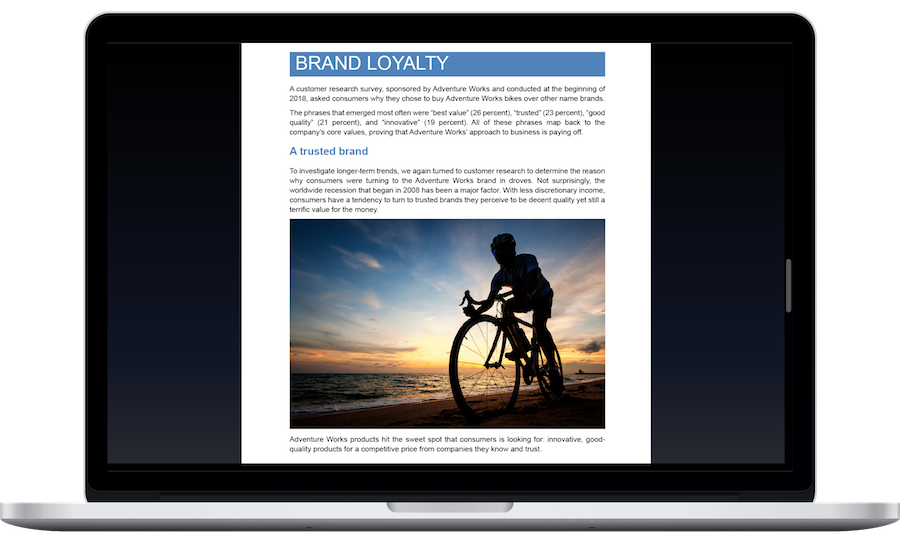
Access saving, printing, and preparing a file to send from the File tab. Before printing or sharing a document, the main actions are available in one place, without searching through different menus.
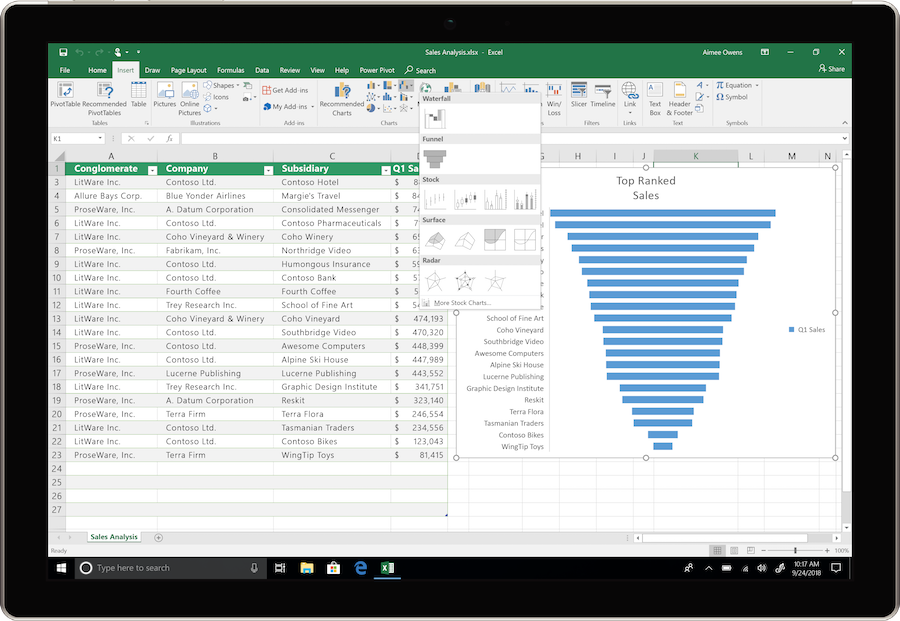
Show changes in a data series with a miniature chart inside a cell. Place the small chart beside the figures to compare trends across rows without a separate large chart.
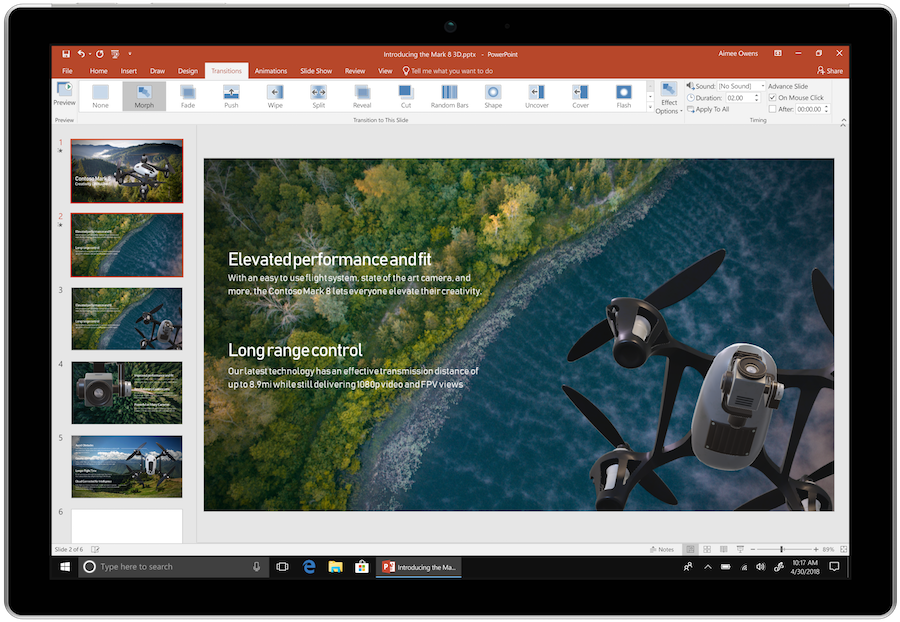
Trim and compress embedded videos directly in a presentation. Keep the required clip and reduce the file size before moving it to another computer.
Adjust picture brightness, contrast and sharpness in a document or presentation. Built-in tools reduce the need to switch to an external image editor.
Insert a screenshot of an open window or selected area directly into Word, Excel and PowerPoint. Useful for instructions with examples of computer tasks.
Compare formatting options for copied content before pasting. Preview whether the original formatting will be preserved or the document style applied.
Filter an Excel PivotTable with visual buttons. Selected conditions remain visible, making the report easier to read and check.
Find text and navigate by headings in the Word Navigation Pane. This helps you work with long reports and reorganize their structure.
HELP CENTER
No direct installer is currently available. — No verified direct English installer is currently listed for this option. Download is disabled; an account, store or installation-guide page is not used as a replacement file. Existing licenses and activation arrangements remain separate.
64-bit ISOs are available for both editions shown. — Before downloading, check not only x64, but also the Standard or Professional Plus name.
Choose the language through the official installation or app settings. — For an existing legacy installation, use language options supported by that release and your licensed media. A modern language pack may not work with older Office versions.
An update package does not replace the full Office installation. — First, you need the installer for the licensed edition. SP2 applies to an already installed package.
Back up your documents and confirm the release’s requirements and support status. — This release is no longer supported. Use it only where a licensed legacy workflow requires it, keep backups and plan a move to supported software.