Microsoft Office 2021 Home & Student
Word, Excel and PowerPoint for personal tasks
Windows 11

macOS 14, 15, 26

English
Home and studyOne-time purchase for one PC or Mac
ENDSDownload
Direct English installers where available

Included apps and purpose of the Office 2021 Home edition.
Choose a fileVERSIONS AND ACCESS
Word, Excel and PowerPoint for personal tasks
COMPATIBILITY
Exact requirements depend on the Office 2021 edition, architecture and licensing channel.
FEATURES
Find values in a range and return the corresponding result from another range. This is useful for looking up prices in a reference table or matching records by product code.
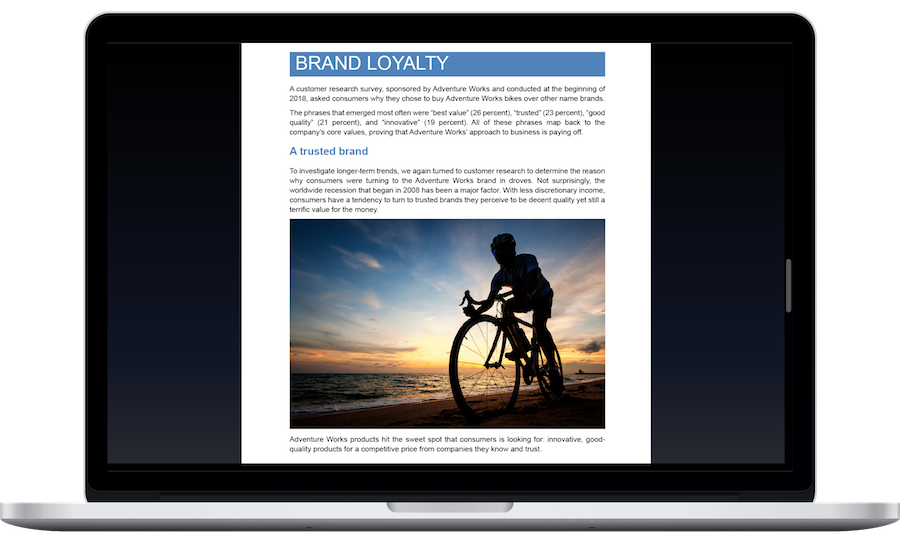
Switch the document canvas to dark mode. Choose a page display you find comfortable while working; the canvas color does not require changing the printed document's formatting.
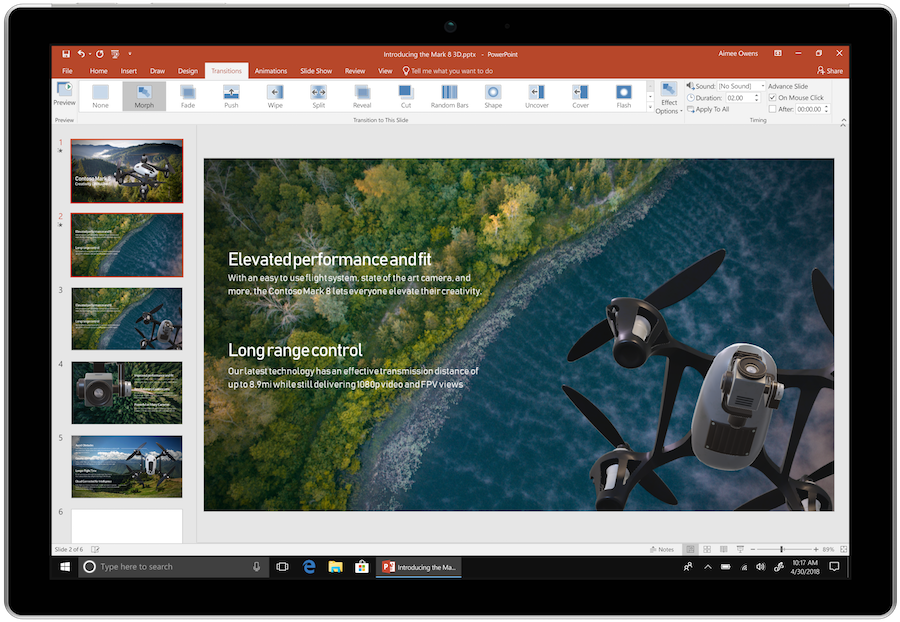
Replay strokes and annotations in a presentation with Ink Replay. Reveal your explanation gradually: viewers see the sequence of annotations, not just the finished drawing.
Work with the updated OpenDocument format in Word, Excel, and PowerPoint. This helps you exchange files with programs that support OpenDocument. Check complex formatting separately after conversion.
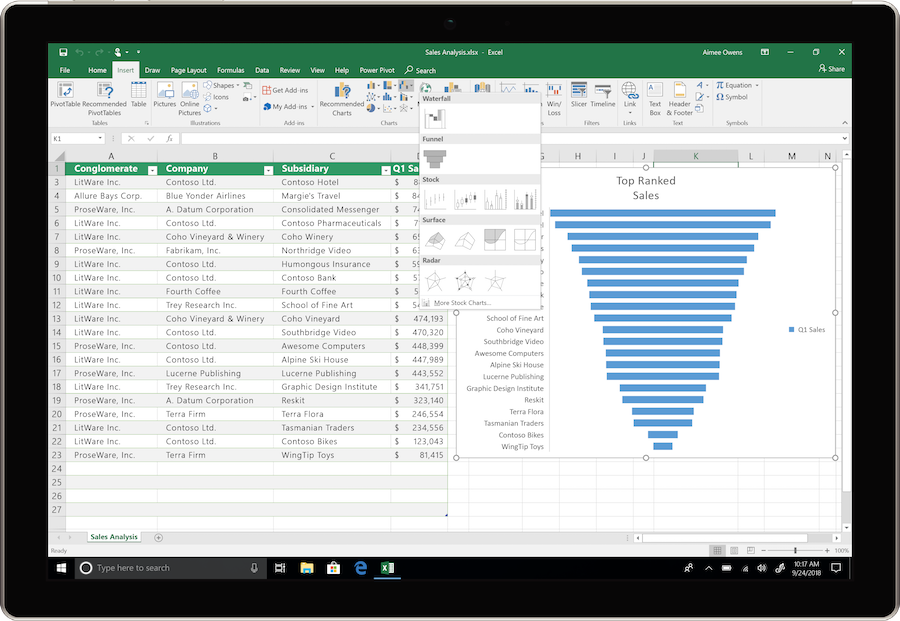
Get a set of results from one formula: filter rows with FILTER, sort with SORT and return unique values with UNIQUE. The result size changes with the data.
Assign names to intermediate results within an Excel formula. This makes complex calculations easier to read and lets you reuse parts without duplicating expressions.
Find an item's position in an Excel range with an exact or approximate match. Use the result in more complex data lookup and matching formulas.
Check that your document, Excel workbook, or presentation is accessible to users of assistive technologies. Fix any issues found before sharing the materials.
The suite includes Word, Excel, PowerPoint, and OneNote. Outlook is not included in this edition. Prepare documents, spreadsheets, and presentations and take notes; managing email in Outlook requires a separate entitlement to that application.
HELP CENTER
Enabled downloads lead directly to verified installer files. — Use an enabled Download button for Mac, Windows to retrieve the matching English installer directly from the official publisher. Check the selected product and license before installation. Account, store and guide pages are not offered as downloads.
Access and activation are determined by Microsoft and your existing entitlement. — Use the Microsoft account, work or school account, subscription or perpetual license that covers the selected product and edition. Downloading an installer or opening a guide does not grant a license.
Downloading an image does not determine the license terms. — Home & Student 2021 is a one-time purchase; a free download does not mean free perpetual use.
Use the installation path for your actual device and license. — Check the official system requirements, platform, edition and architecture before installation. On Windows, confirm compatibility with existing Office apps and add-ins. Windows installation media cannot be installed on macOS or mobile devices.
These are different editions. — If you purchased Home & Business, choose its page and image: Home & Student is not another name for the same product.