Microsoft 365 for business
Business plans
Windows 11

macOS 14, 15, 26

One of the four latest major Android versions

English
SubscriptionApps and cloud services
BUSINESSDownload
Direct English installers where available
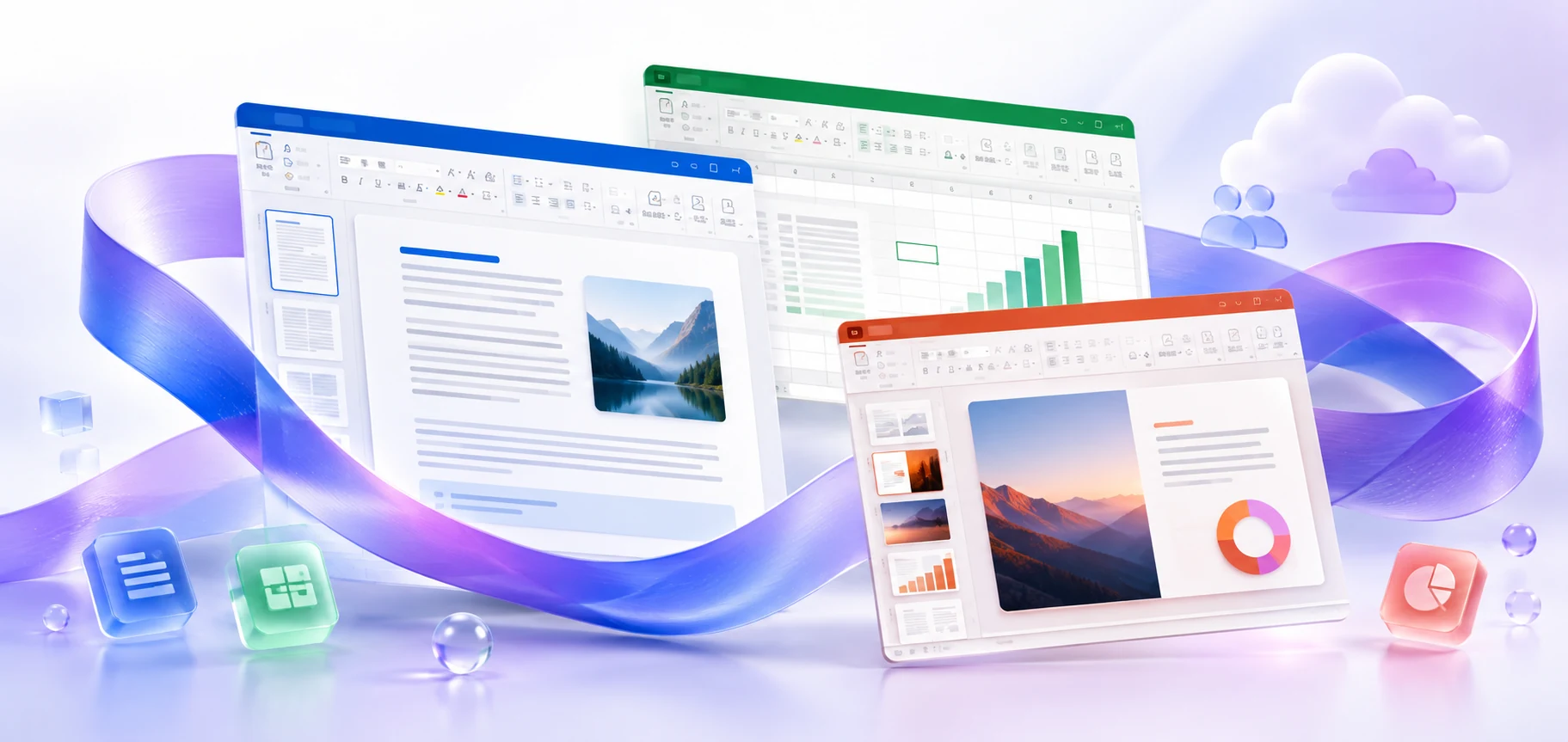
Microsoft 365 business plans: which include desktop Word, Excel, and PowerPoint, how to check your assigned license, and how to prepare installation on a work device.
VERSIONS AND ACCESS
Business plans
COMPATIBILITY
Exact requirements depend on the app, platform, plan and organization policy.
FEATURES
Web and mobile apps, business email and cloud files. Suitable for employees who work through a browser or phone; desktop Word, Excel and PowerPoint are not included in this plan.
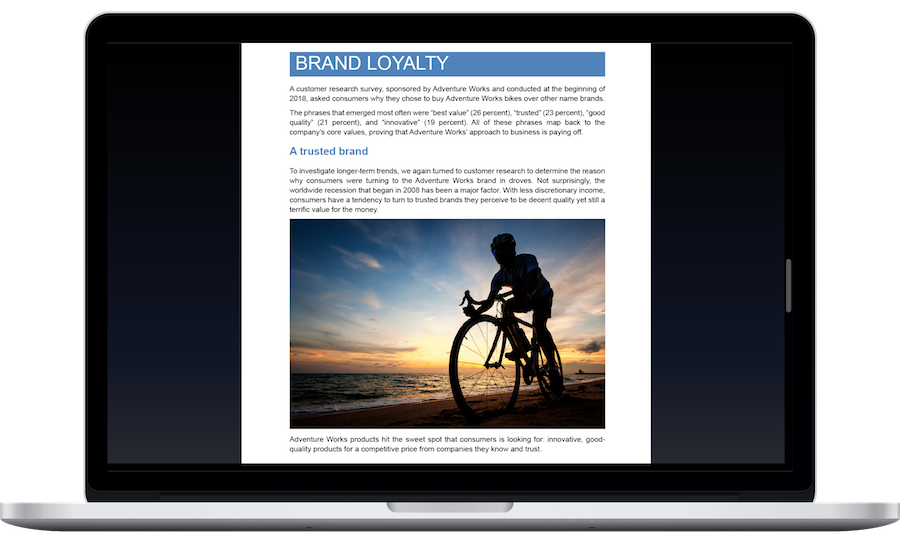
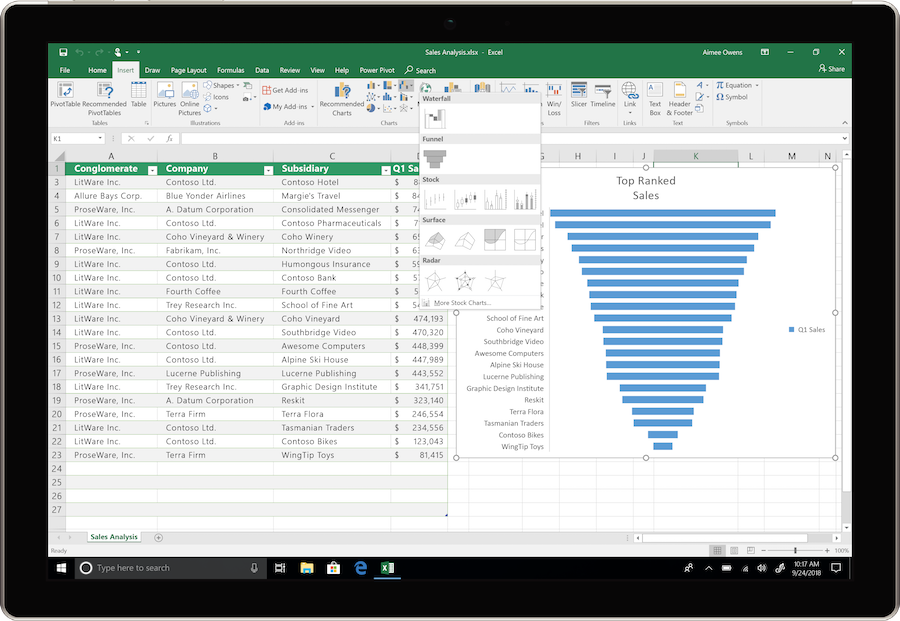
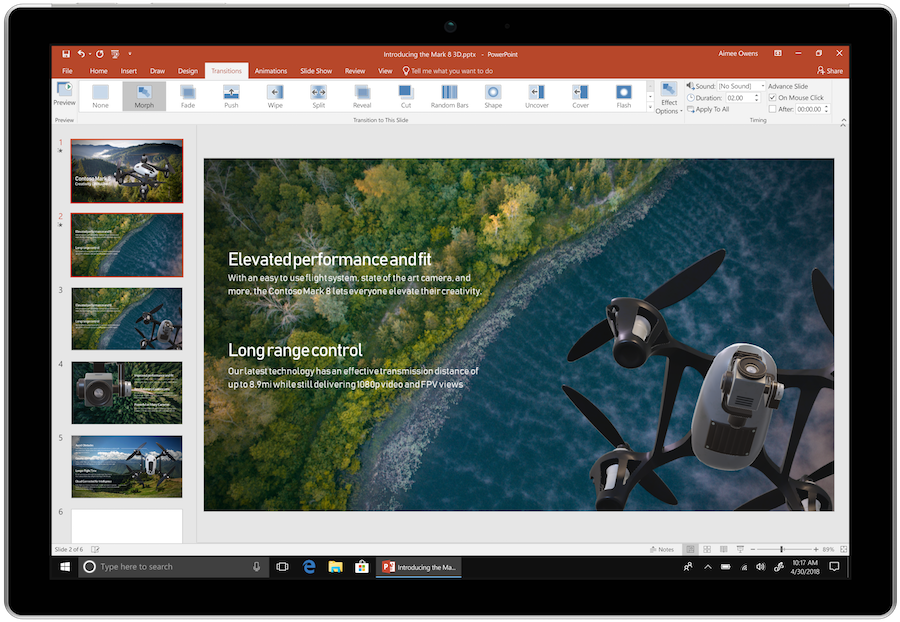
Adds desktop Word, Excel, and PowerPoint. Installed applications support advanced work with local documents while maintaining access to work email and cloud services.
Adds advanced protection and device management. Administration tools help apply policies to work devices and applications, while security tools protect company data.
Use work addresses on your own domain and an Exchange calendar. This lets the team communicate under the company's name.
Store work documents in each user's personal cloud space and grant colleagues access. Basic, Standard and Premium include 1 TB per user.
Create team sites and document libraries for projects. Permissions help manage access, while shared files let everyone work with up-to-date materials.
In plan variants that include Teams, hold video meetings and discuss tasks in chats. Before choosing a subscription, check whether Teams is included in the specific offer.
Assign accounts and licenses to employees through the admin center. Centralized management makes onboarding users and changing their permissions easier.
Arrange meetings and appointments around staff availability. Bookings helps reduce the number of emails needed to agree on a time.
HELP CENTER
Enabled downloads lead directly to verified installer files. — Use an enabled Download button for Mac, Windows to retrieve the matching English installer directly from the official publisher. Check the selected product and license before installation. Account, store and guide pages are not offered as downloads.
Not every Business plan includes desktop Office. — Check not only work account sign-in but also the specific plan with application rights, license assignment, and its status with the administrator.
The architectures are in separate archives. — If you need to retain 32-bit add-ins or compatibility with your current Office, check the x86 option first. Apps for business archives are separated by architecture.
Use the installation path for your actual device and license. — Check the official system requirements, platform, edition and architecture before installation. On Windows, confirm compatibility with existing Office apps and add-ins. Windows installation media cannot be installed on macOS or mobile devices.
Back up your documents and confirm the release’s requirements and support status. — Check Microsoft’s current requirements and lifecycle information for the exact release. A working download link does not establish support or compatibility.